Runs in your browser
Try Vibezeo without installing it
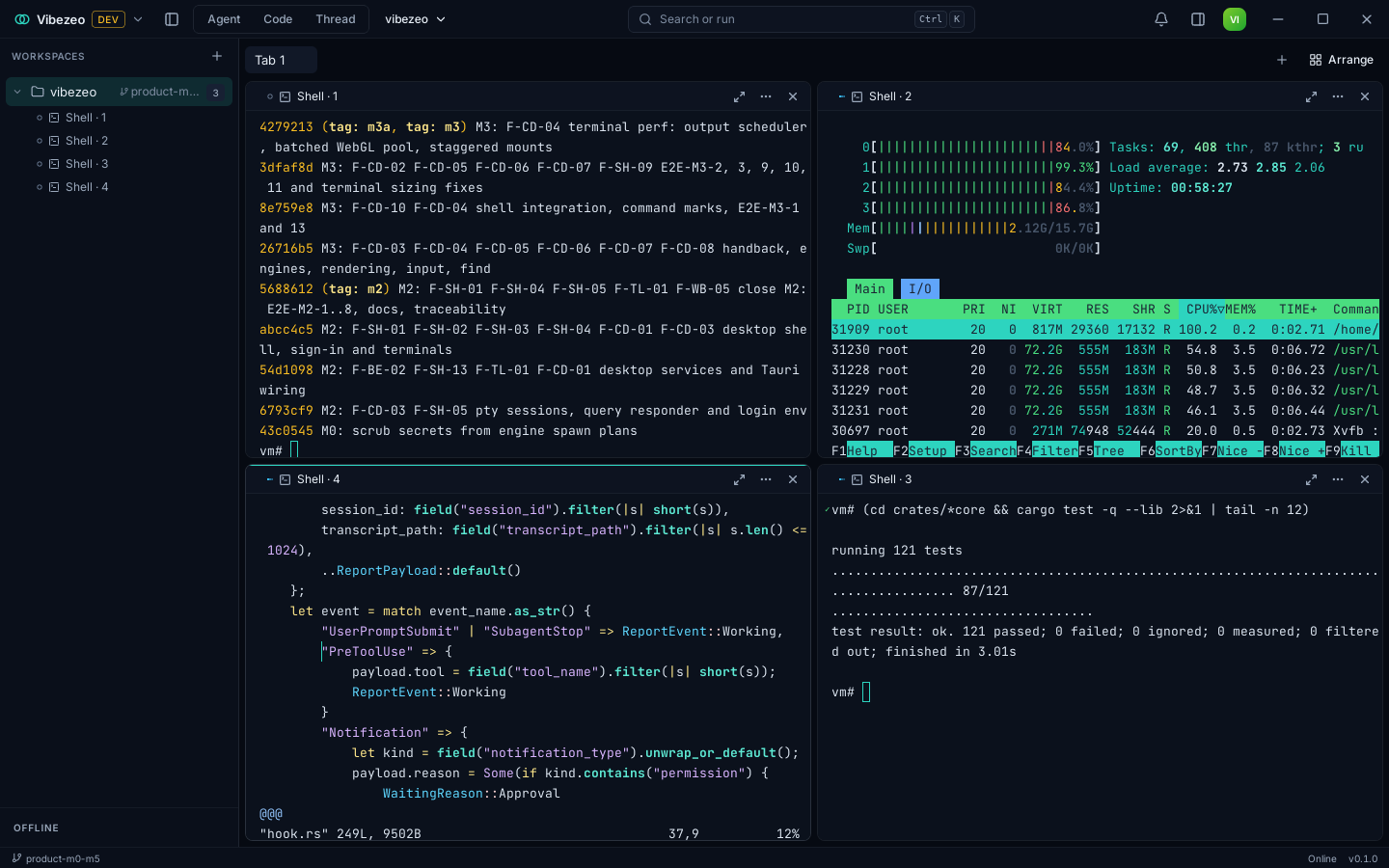
This is Vibezeo's real interface, built for the browser. The agents and terminals in it are simulated: they follow a script, nothing runs, and nothing you type leaves your browser. In the app they're Claude Code, Codex and the other agents you have installed, on your own machine and your own plan.
Best on a laptop or desktop screen.

In five steps
What to try
- 01Send the message that's waitingThe agent reads the code, edits two files and asks before running the tests.
- 02Answer the approvalAllow once, allow for this thread, or deny, right in the conversation.
- 03Open ChangesReview every file the turn touched, with its diff.
- 04Press Ctrl2 for Code modeAgents and a shell in split panes. Type help in the shell.
- 05Press CtrlKThe command palette: every action, searchable.
The real app
And the download, as it runs
See it run